Onsego30 supports two open sessions at a time, but both devices must use the same Wi-Fi network. However, if the second session is open on a device using a different IP address, the older session will be terminated, and one device will show the Onsego30 login page. In other words, you will be logged out.
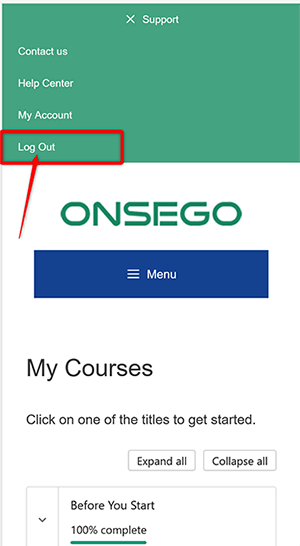
Keep in mind that your device will keep you logged in for another 30 minutes if you only close the browser, so to end one session instantly, you need to click the “logout” link located in the green top menu in your Onsego30 account.
You will see the Onsego logo since Onsego30 is the super-fast-track program designed by Onsego GED Prep.