
You can easily find the voucher codes you previously ordered in your Onsego30 account.
To do so, click on the GED Ready Vouchers & Skill Reports link on the home page of your account.
Then, click on the My Ordered Vouchers link.
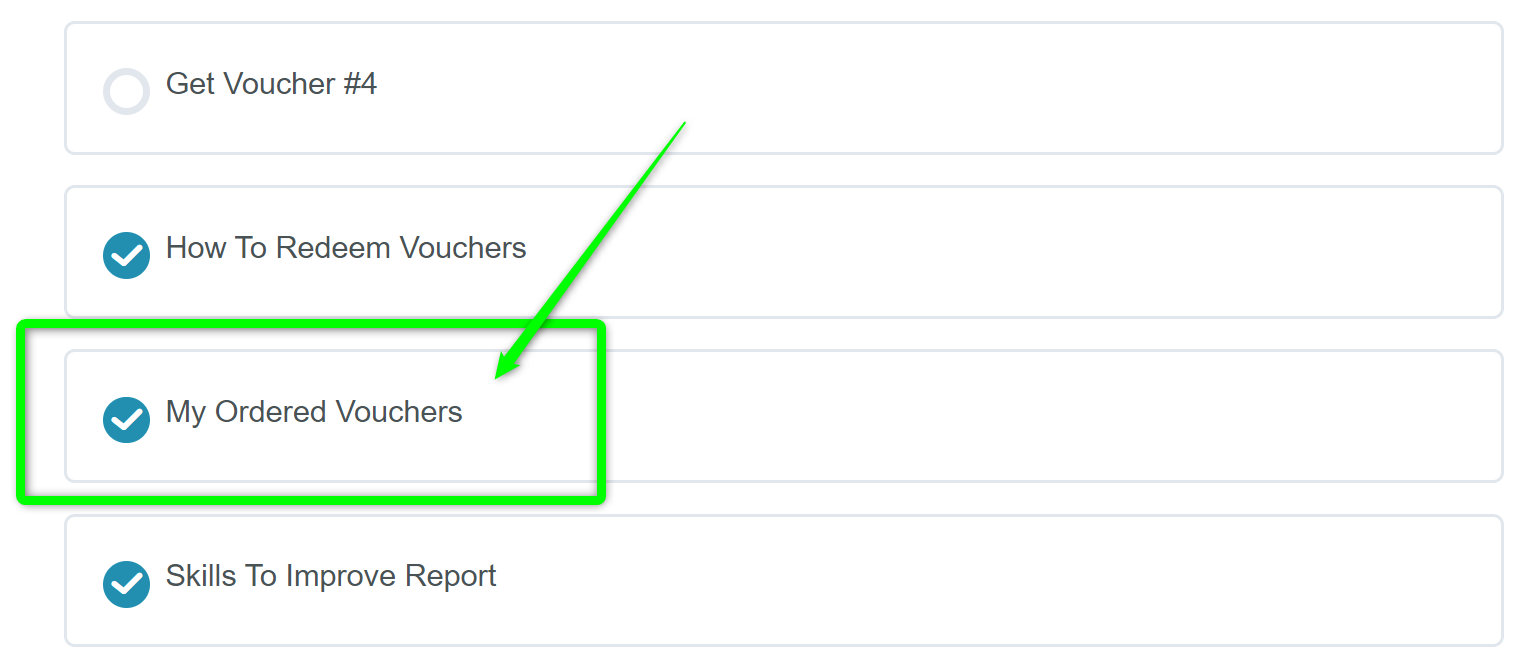
Follow the instructions on the screen to view your voucher codes.
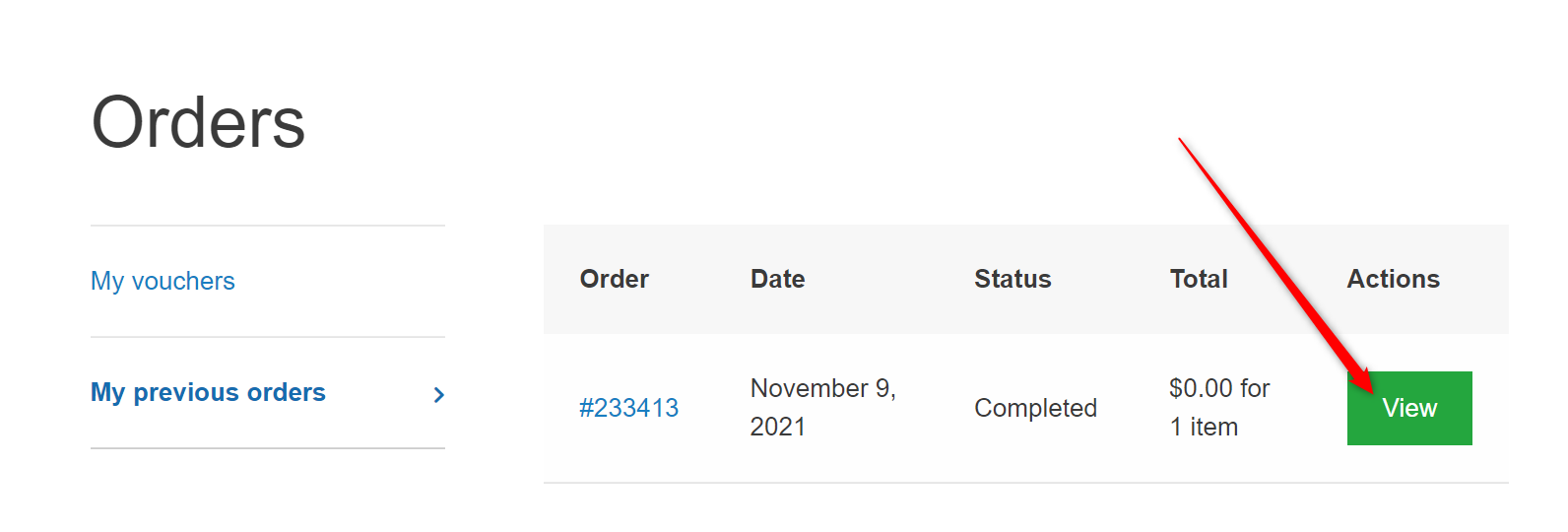
You will use the Onsego webpage because Onsego30, the super-fast-track GED program, is part of Onsego GED Prep.