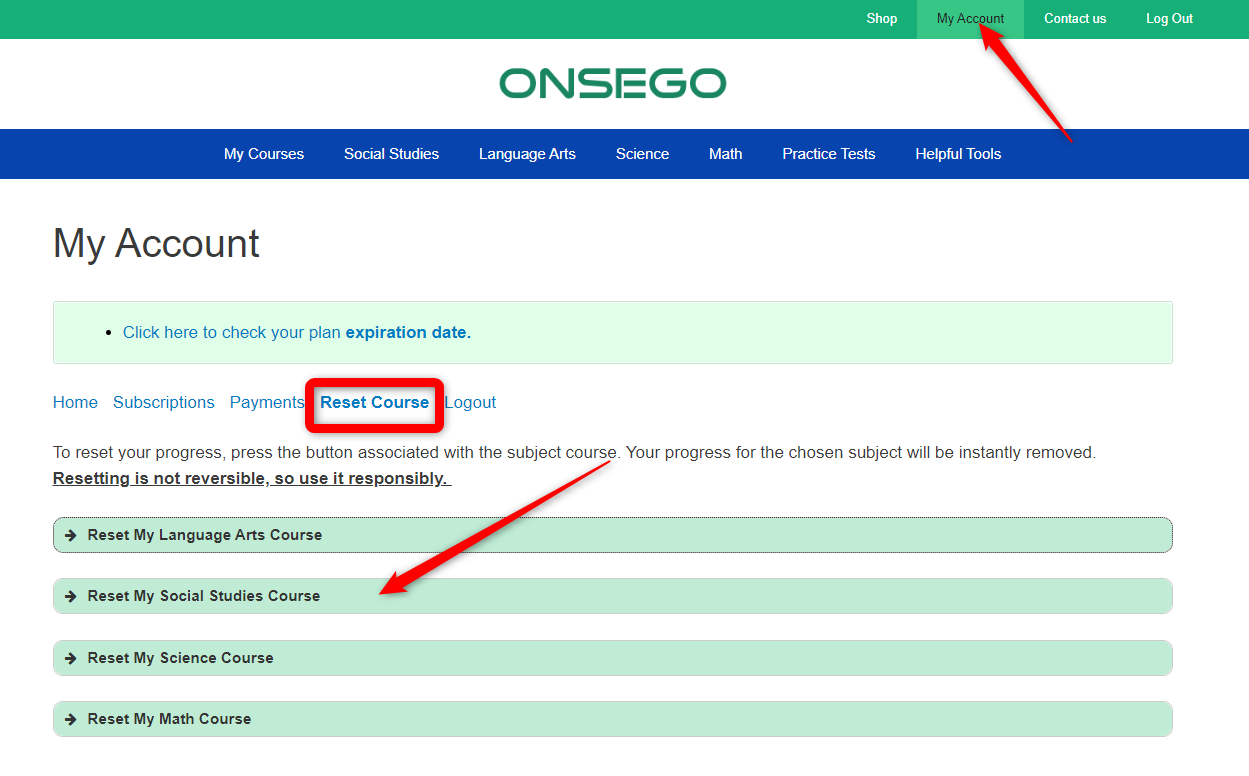
To reset your account, go to the “My Account” page and click on the “Reset Course” link.
You will see four green tabs with the names of the courses.
You will see the Onsego logo, because Onsego30 is the fast-track course in the Onsego GED Prep System.
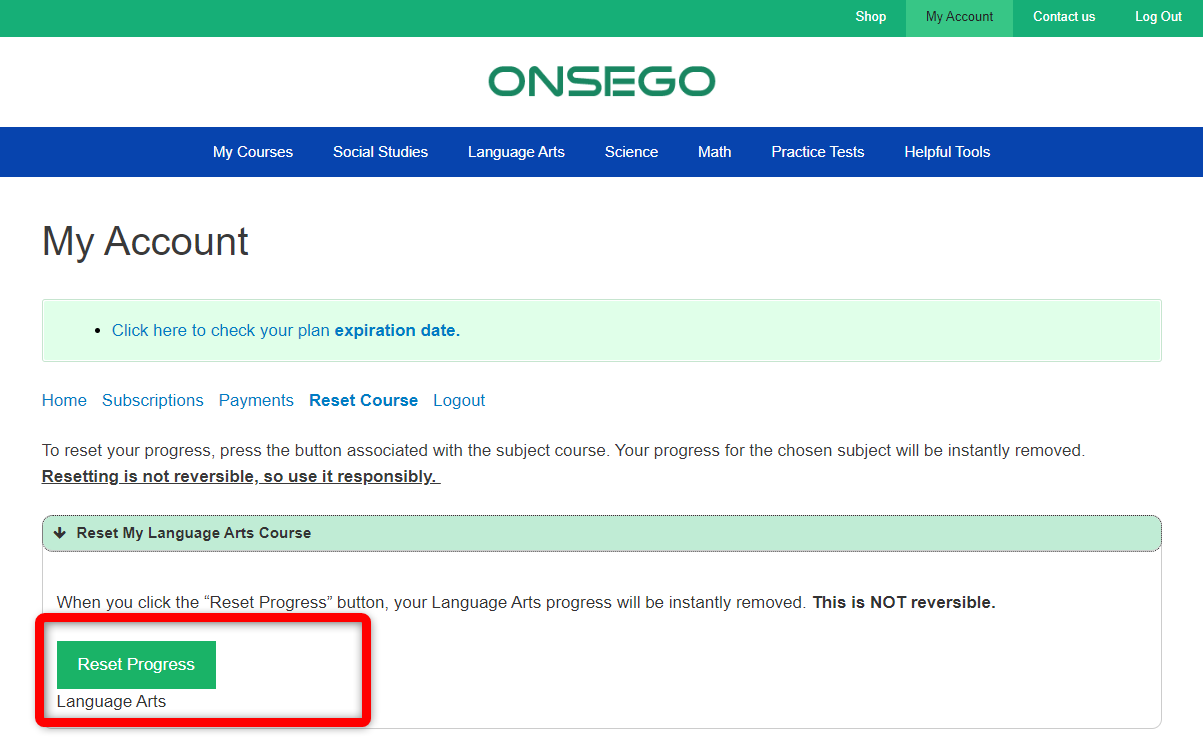
Choose the tab associated with the subject you want to reset and click the “Reset” button.
Your progress for the chosen subject will be instantly removed.
Resetting is not reversible, so use it responsibly.