
The Onsego30 membership can be purchased as a gift. When you purchase the Onsego30 course as a gift, the Onsego system automatically generates an attractive notification email, including a personalized message to the gift recipient.
You will see the Onsego logo and be redirected to the Onsego check-out page. This is because Onsego30 falls under the Onsego GED Prep umbrella.
You can send a Onsego30 Gift Card to a recipient by email or print it. If you want to schedule an email with a gift card, it’s possible too.
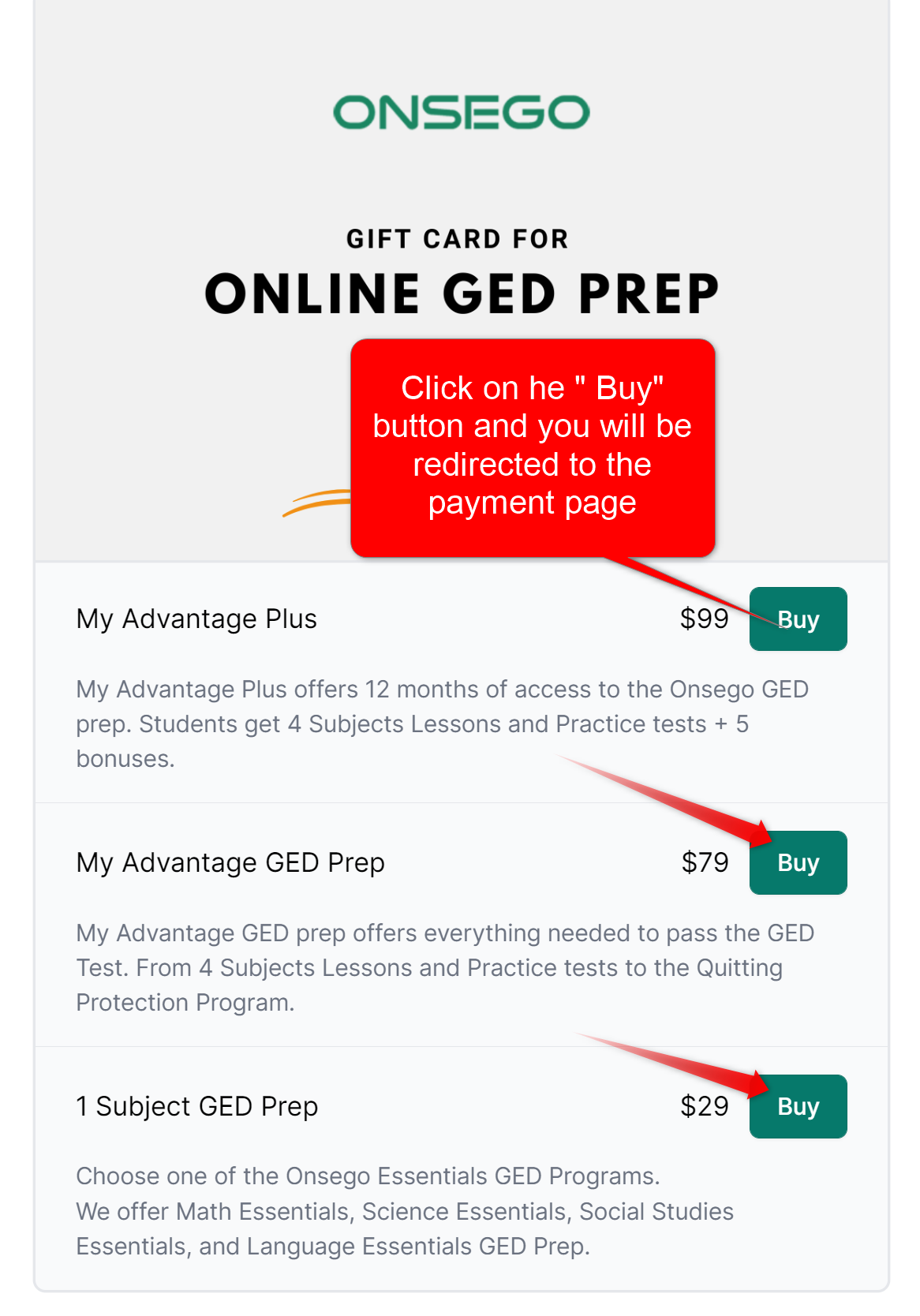
To get started, choose one of 3 available options:
https://onsego.com/gift-card/
Click on one of the options,
You will be redirected to the page when you add a recipient’s name and email address. To do so, click on the tab “Someone else.”
If you are buying a gift card for yourself, click on “Yourself.” Fill up the name and email address fields
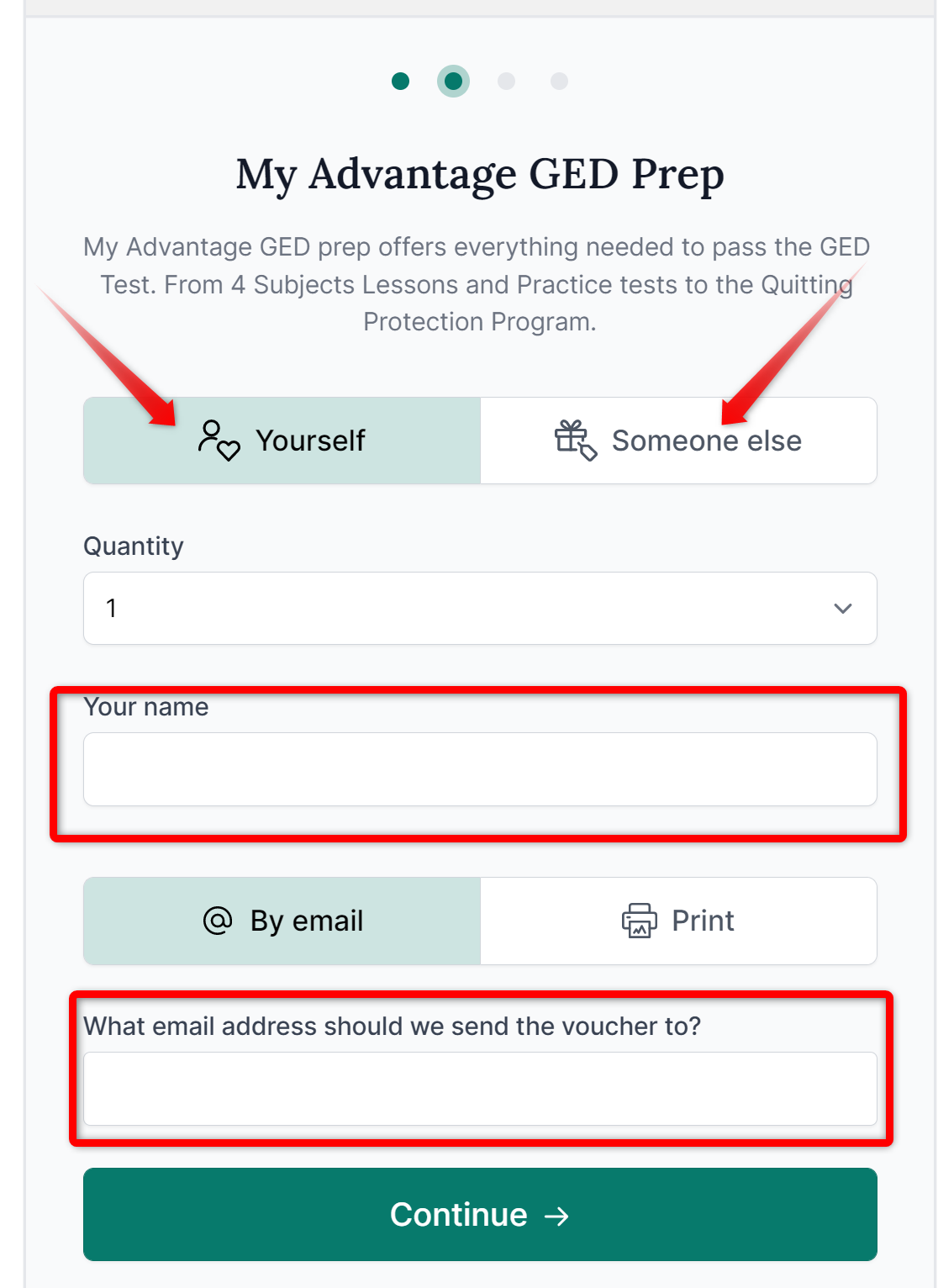
Click “Continue,” and you will be redirected to a checkout page. Here you can choose if you want to pay with your credit/debit card or PayPal. Follow the instructions on the screen. You will receive a gift card code and redemption instructions upon successful payment.